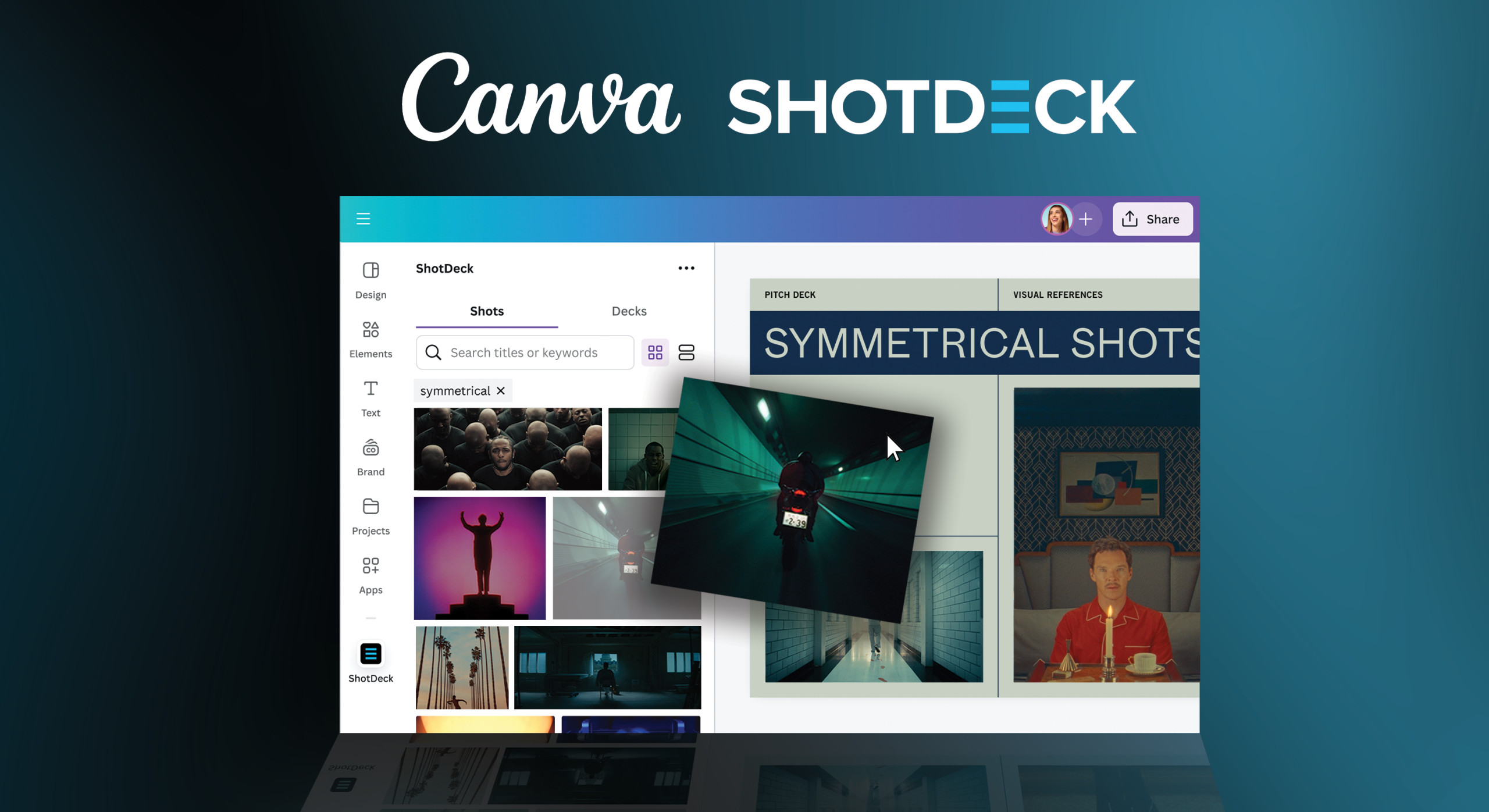
ShotDeck Now On Canva
Instantly add cinematic shots to your project!
Hello ShotDeck Community! We have some exciting news for you.
Starting today, the world’s largest library of cinematic images is available directly in Canva. Immediately access millions of shots from movies, TV, music videos, and commercials and add them to your pitch deck, look-books, or for general inspiration.
Visualizing Your Creative Projects Just Got Simpler
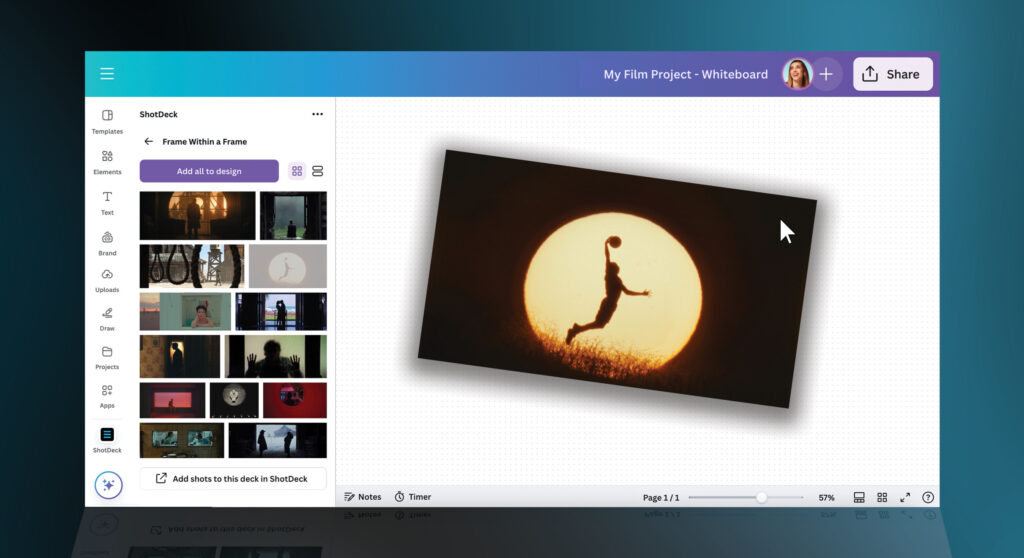
The new ShotDeck and Canva partnership allows users to search for images from ShotDeck directly within the Canva interface, eliminating the need to navigate between different platforms.
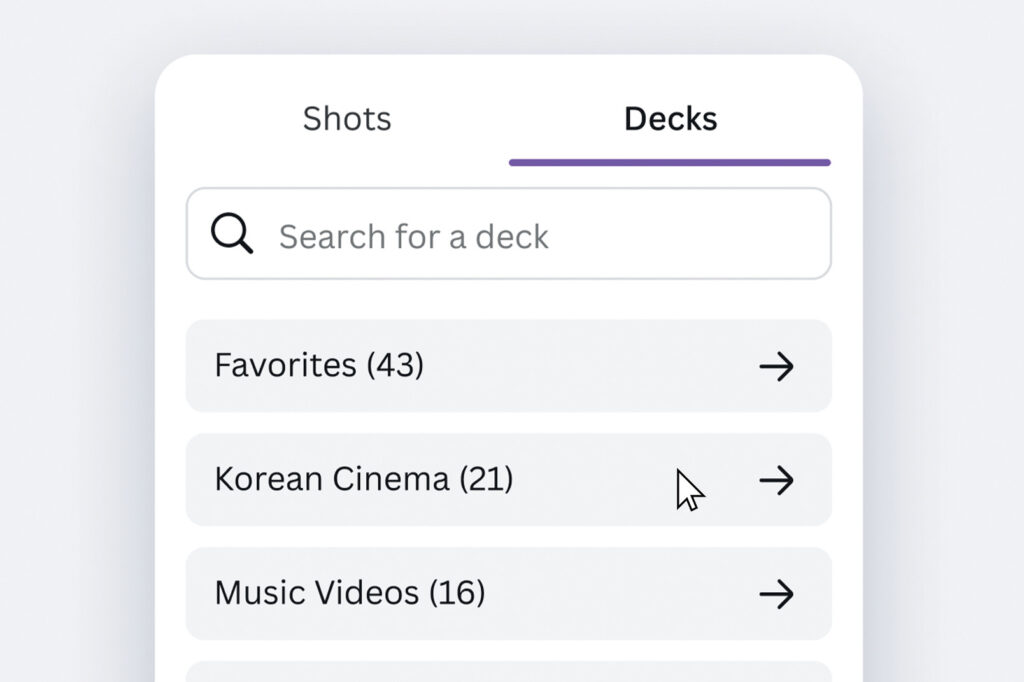
You can simply type in keywords related to their desired visuals and ShotDeck’s database will provide a curated selection of images that fit your needs. Also, if you’ve created ‘Decks’ of shots on ShotDeck, you can access those Decks directly in Canva and drag shots into your designs.
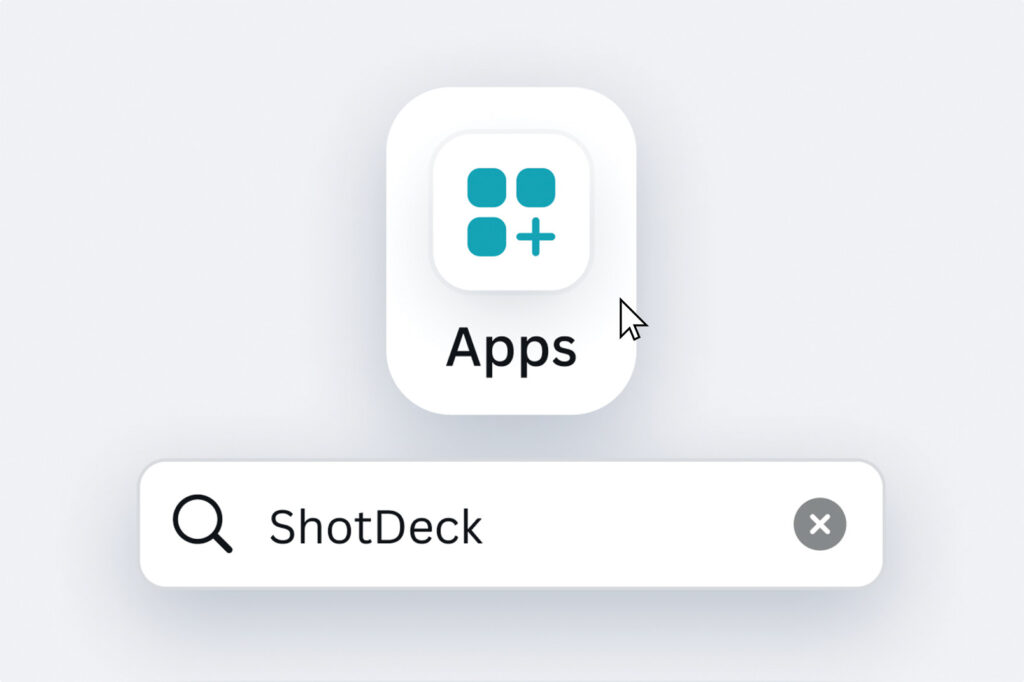
Step 1: Search for ShotDeck
Search for ShotDeck under Apps in the Canva Marketplace. You can use ShotDeck in an existing design or a new one.
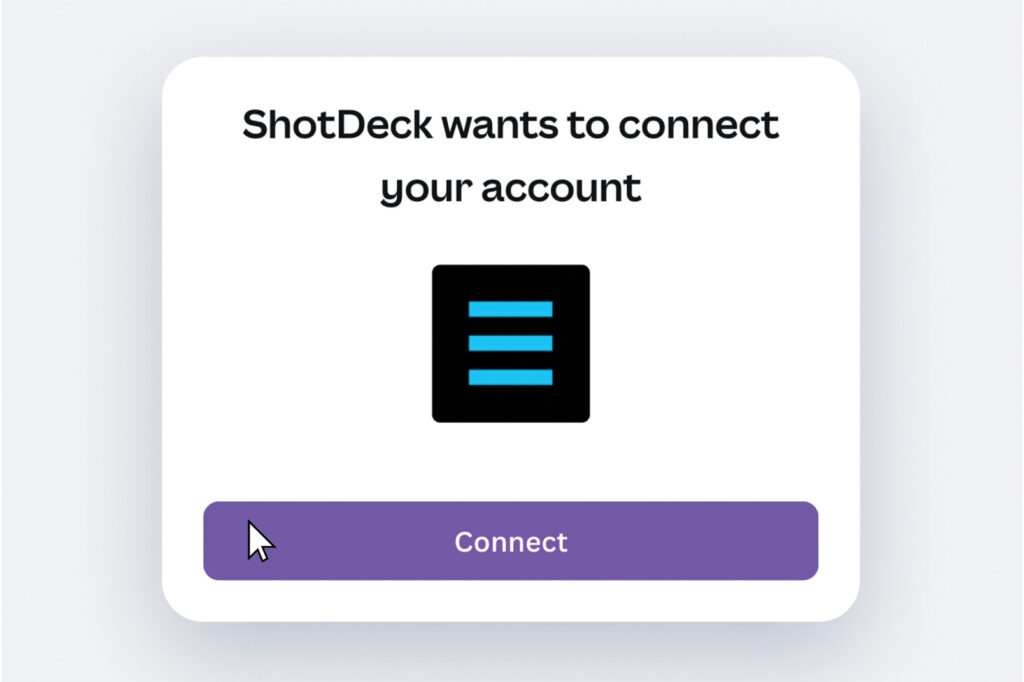
Step 2: Get Connected
Connect your account by logging in with your credentials.
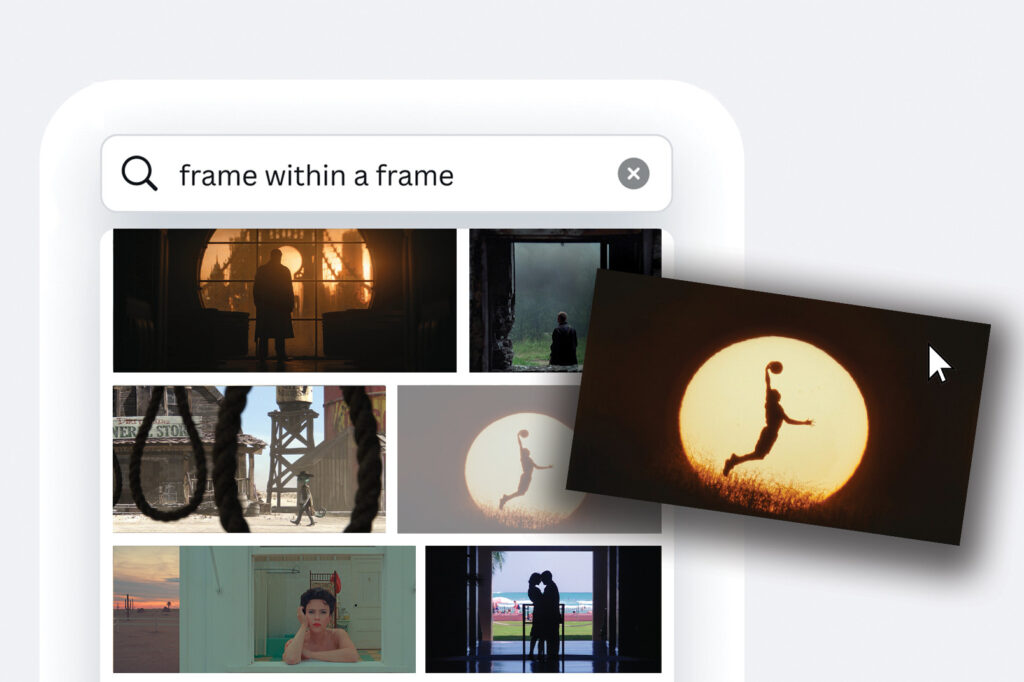
Step 3: Search for Shots
Search for titles, keywords, technical details, and more. Once you find the perfect shot, add it directly to your Canva design.
Step 4: Curate Content
Select the Decks tab to access folders from your ShotDeck account or create new ones.
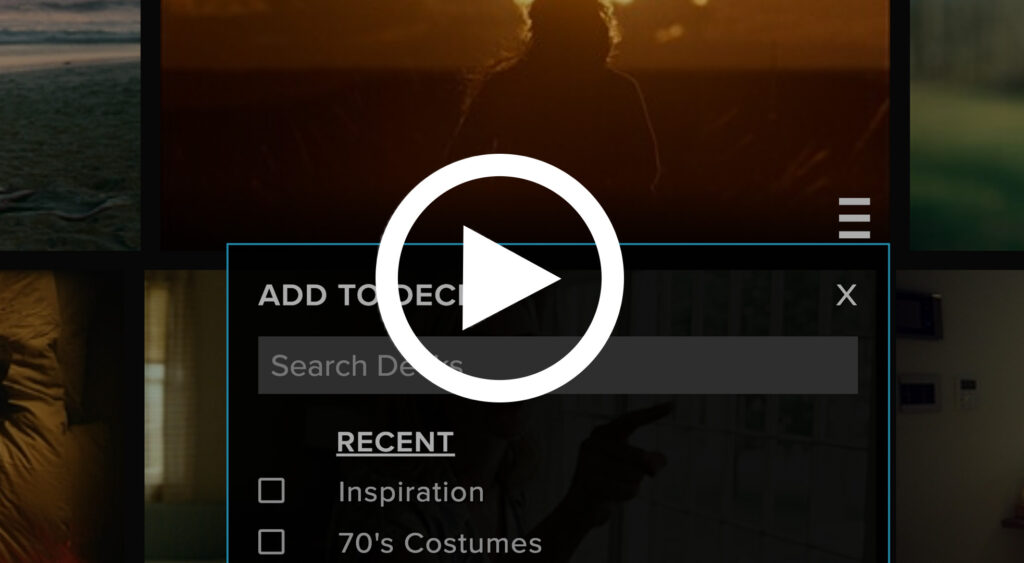
Short Deck Building Tutorial
Watch the tutorial below to see how easy it is to create Decks and access them in Canva.